Accounting & Banking
Aging report
Business and above · 1 min read · Updated 16 October 2026
What this does
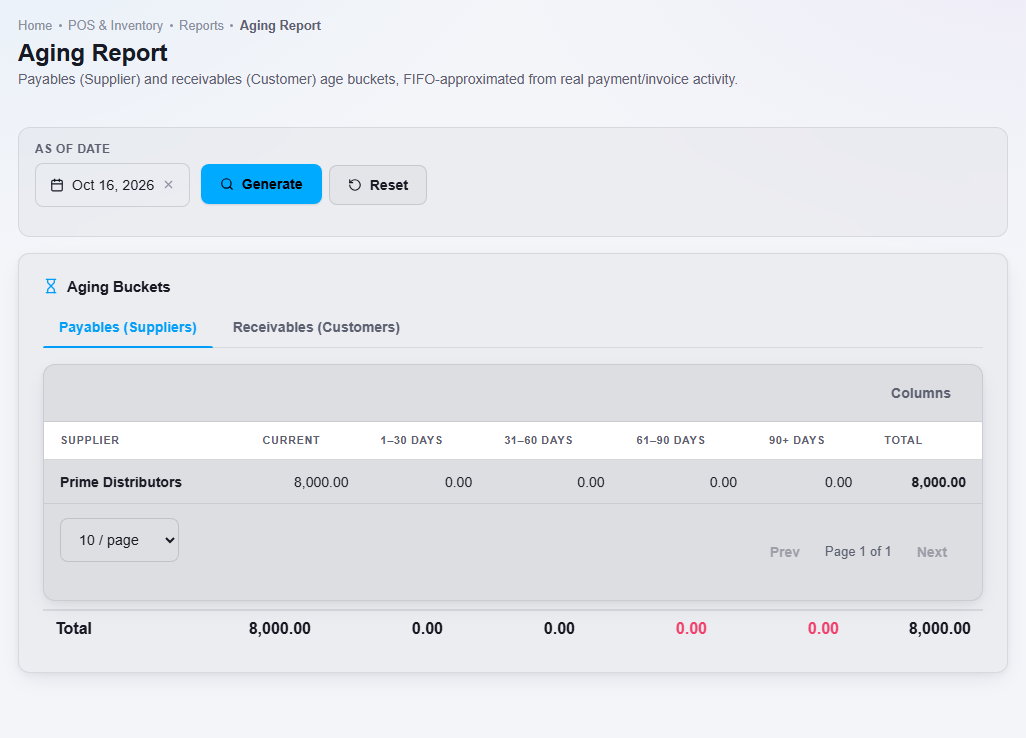
The Aging report groups unpaid amounts by age: Current, 1 to 30 days, 31 to 60 days, 61 to 90 days and 90+ days. It helps you decide who to chase for payment and which supplier bills are due.
Steps
- Open Reports, then Aging Report.
- Choose the As of date and click Generate.
- Use the Payables (Suppliers) tab for what you owe. Use the Receivables (Customers) tab for what customers owe you.
Important notes
- The ages are estimated by matching payments to the oldest invoices first. Treat them as a guide and check the customer or supplier statement for exact amounts.