Accounting & Banking
Bank and cash accounts
Business and above · 1 min read · Updated 16 October 2026
What this does
Bank and cash accounts are the places your money sits: a bank account, or cash in a drawer. Sales, receipts and payments are recorded against them so you can see each balance. A cash account named Cash in Hand is created for you.
Steps
- Open Finance, then Bank.
- Click Add Account.
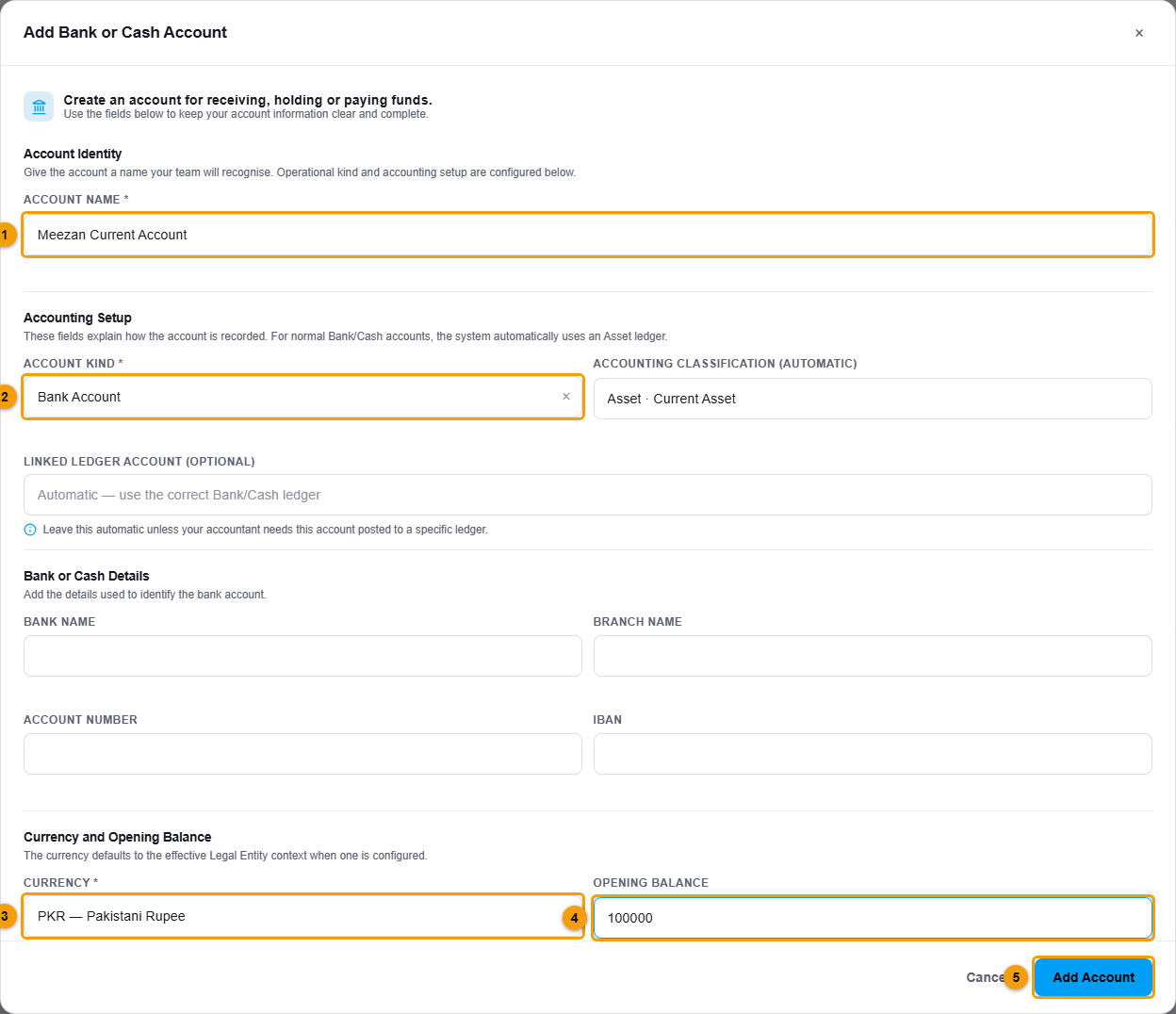
Name (1), kind (2), currency (3), opening balance (4) and Add Account (5).
- Enter the Account name (1), for example Meezan Current Account.
- Choose the Account kind (2): Bank Account or Cash Account.
- Choose the Currency (3).
- If the account already has money in it, enter the Opening balance (4).
- Click Add Account (5).
What happens next
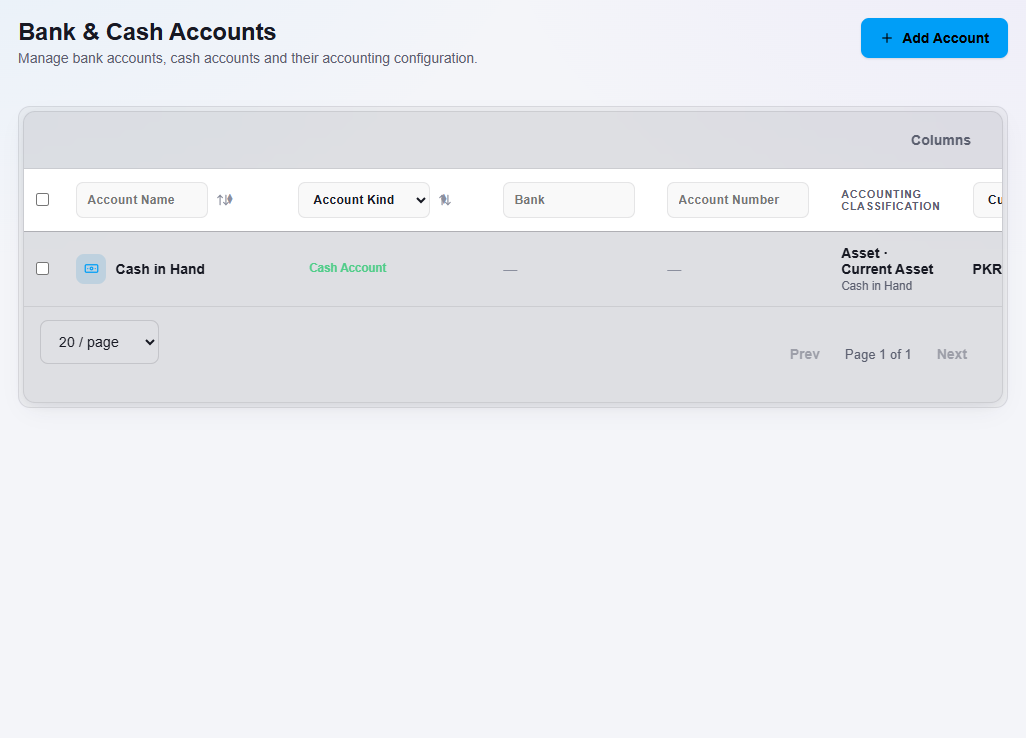
The account is listed under Bank and can be used when you record deposits, withdrawals, transfers and cheques.
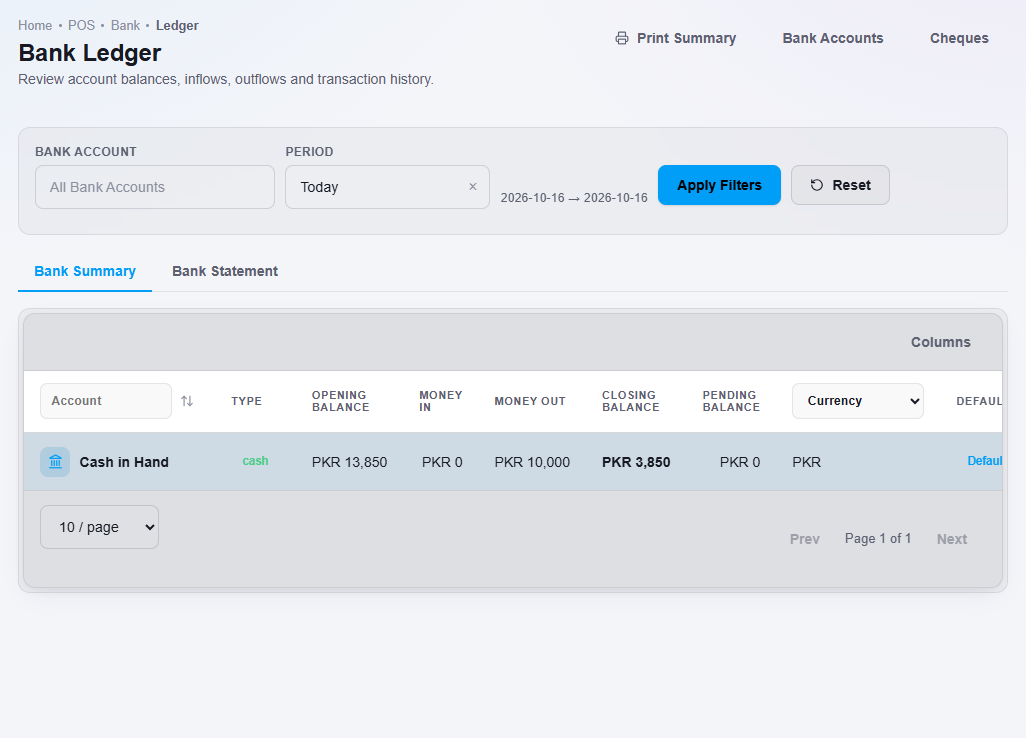
To see the money in and out of each account, open Bank Ledger. Use Bank Summary for balances and Bank Statement for a list of transactions.