Inventory
Categories
Starter and above · 1 min read · Updated 16 October 2026
What this does
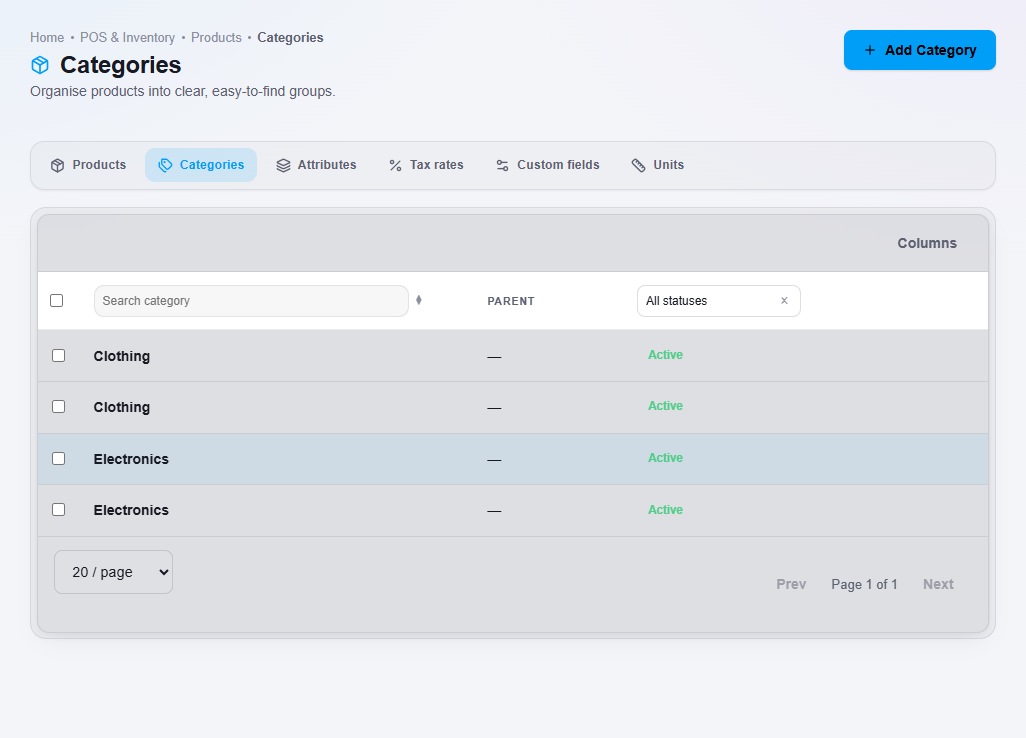
Categories group similar products, for example Clothing or Electronics. You can filter the product list by category.
Steps
- Open Inventory, then Product Category. You can also open Product and click the Categories tab.
- Click Add Category.
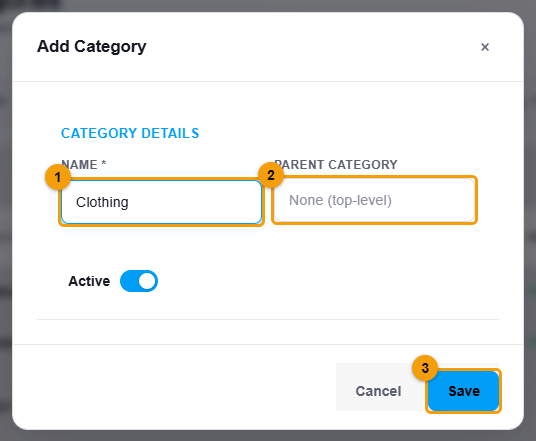
Name the category. Leave Parent category empty for a top-level group.
- Enter the Name (1).
- To place it inside another category, choose a Parent category (2). Leave it empty for a top-level category.
- Click Save (3).
What happens next
The category is available when you add or edit a product.