CRM
Tasks and follow-ups
CRM Basic, Business, Pro and Agency · 1 min read · Updated 16 October 2026
What this does
A task is a to-do on a lead, such as Send pricing proposal, with an optional due date and priority.
Steps
- Open the lead profile and click the Tasks tab.
- Click + Add Task. A small form opens.
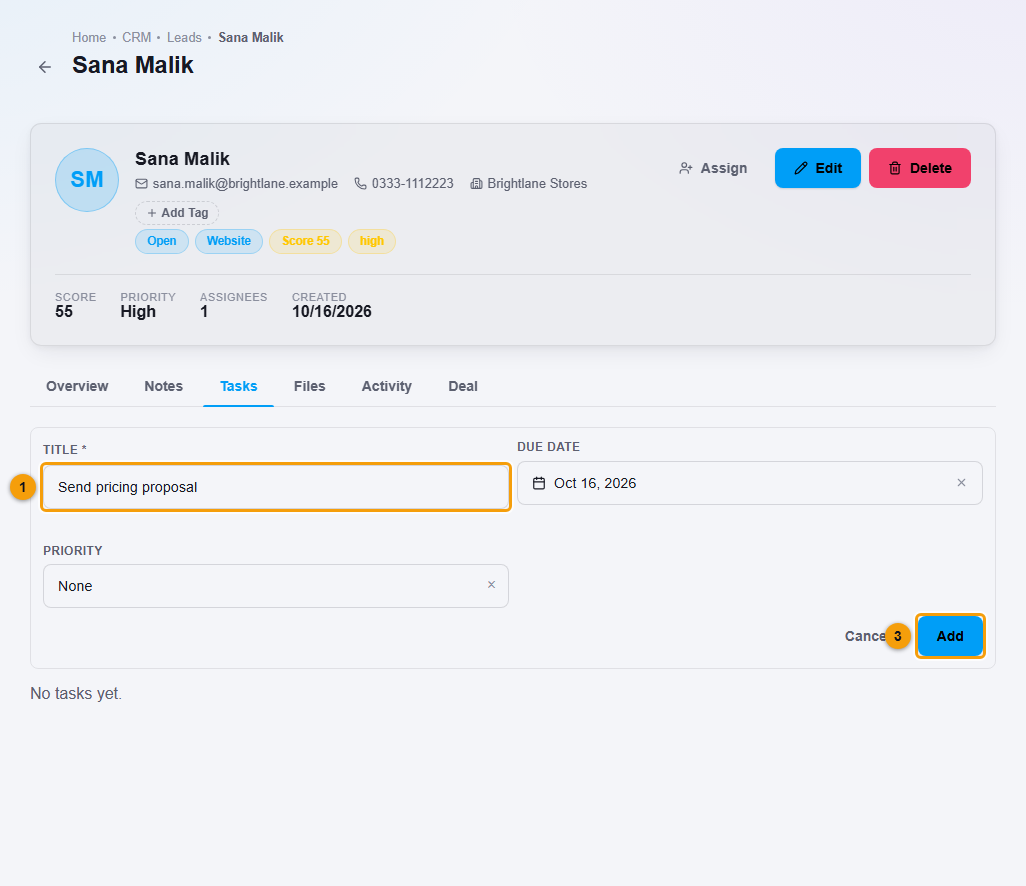
Title (1), due date (2) and Add (3).
- Enter the Title (1). It is required.
- Choose a Due date (2) and a Priority.
- Click Add (3).
What happens next
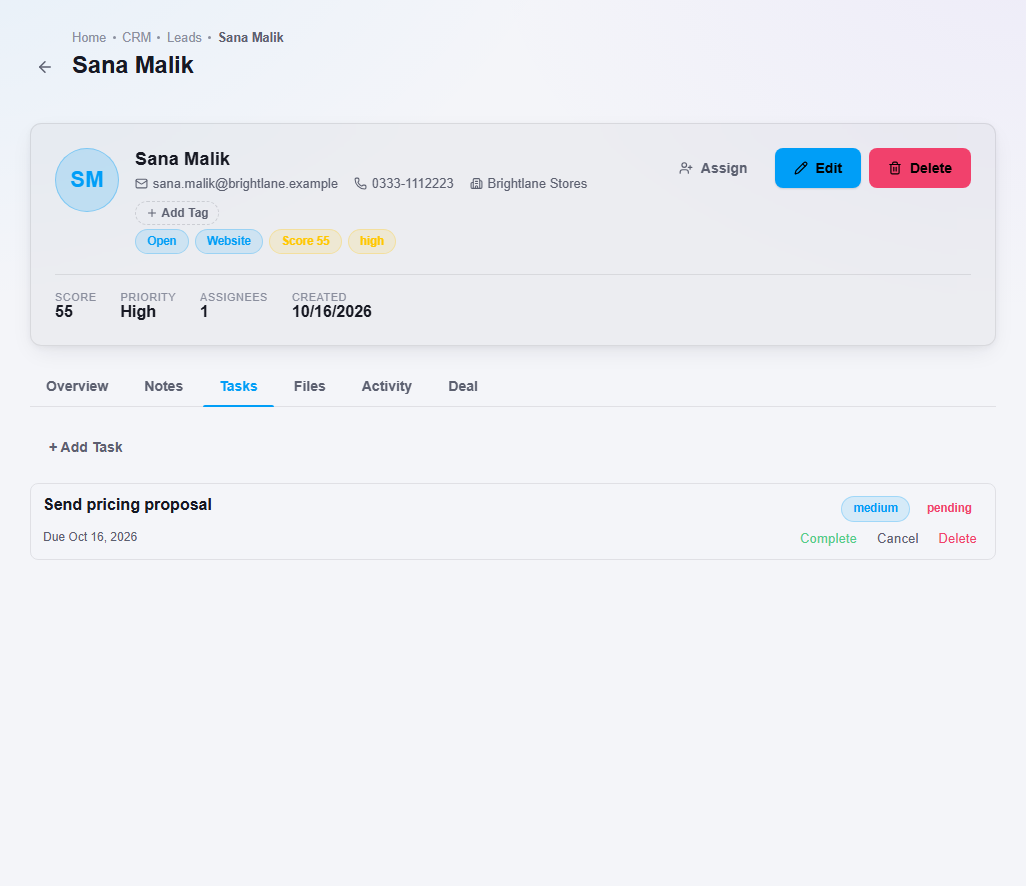
The task appears in the lead's Tasks tab.
Important notes
- Add a due date to every task so you know when to follow up.