Demo & Trial
How the Demo works
Demo · 2 min read · Updated 16 October 2026
What this does
A Demo is a private workspace where you can look around NEXTOREx before you buy. It is not a paid plan and no payment is needed. A Demo is different from a Trial. See Demo or Trial?.
Steps
- Open the Book a Demo page on the NEXTOREx website.
- Fill in your name, business name, phone, email, business type and what you are interested in (1, 2). Click Request a demo (3).
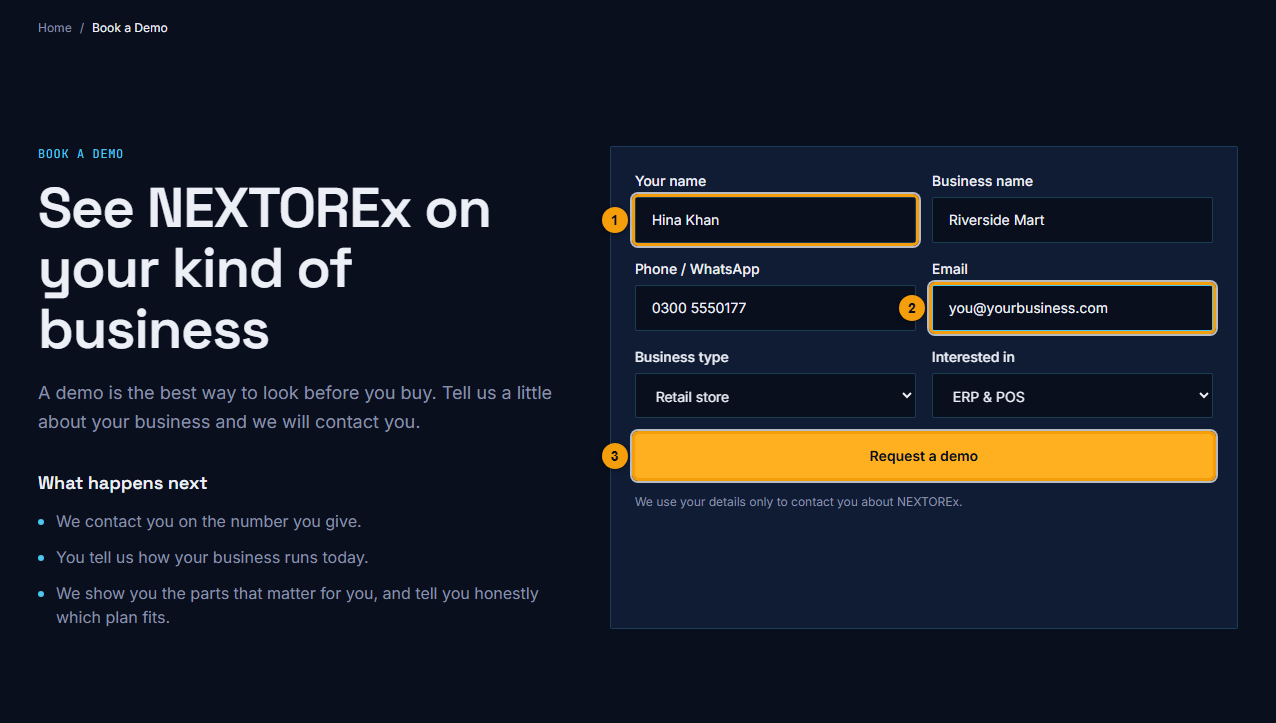
Your name (1), email (2) and Request a demo (3).
- The page says Thank you. We have your request. Your request is saved with our team as a lead, and your demo workspace is prepared for you in the background.
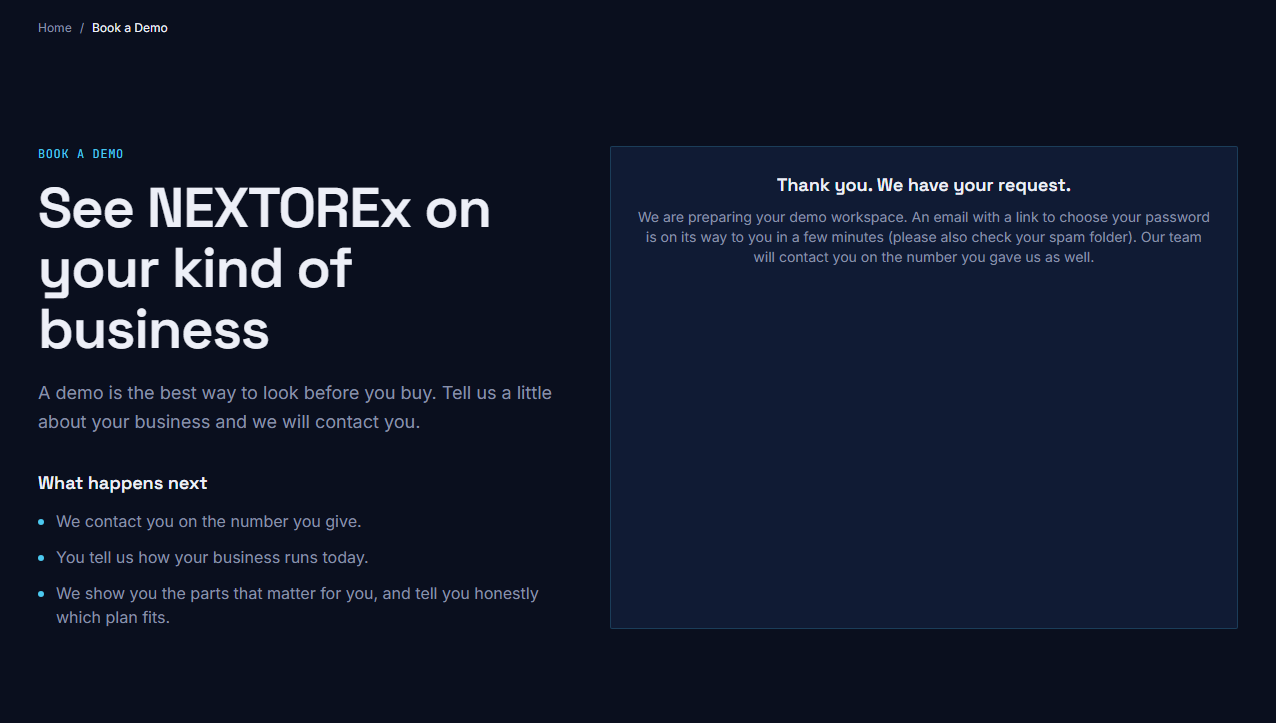
Your demo workspace is being prepared.
- You receive an email with a link to choose your password.
- Open the link. On Choose your password, type a New password (1), type it again (2) and click Set password (3). The password needs at least 8 characters with upper and lower case letters and a number.
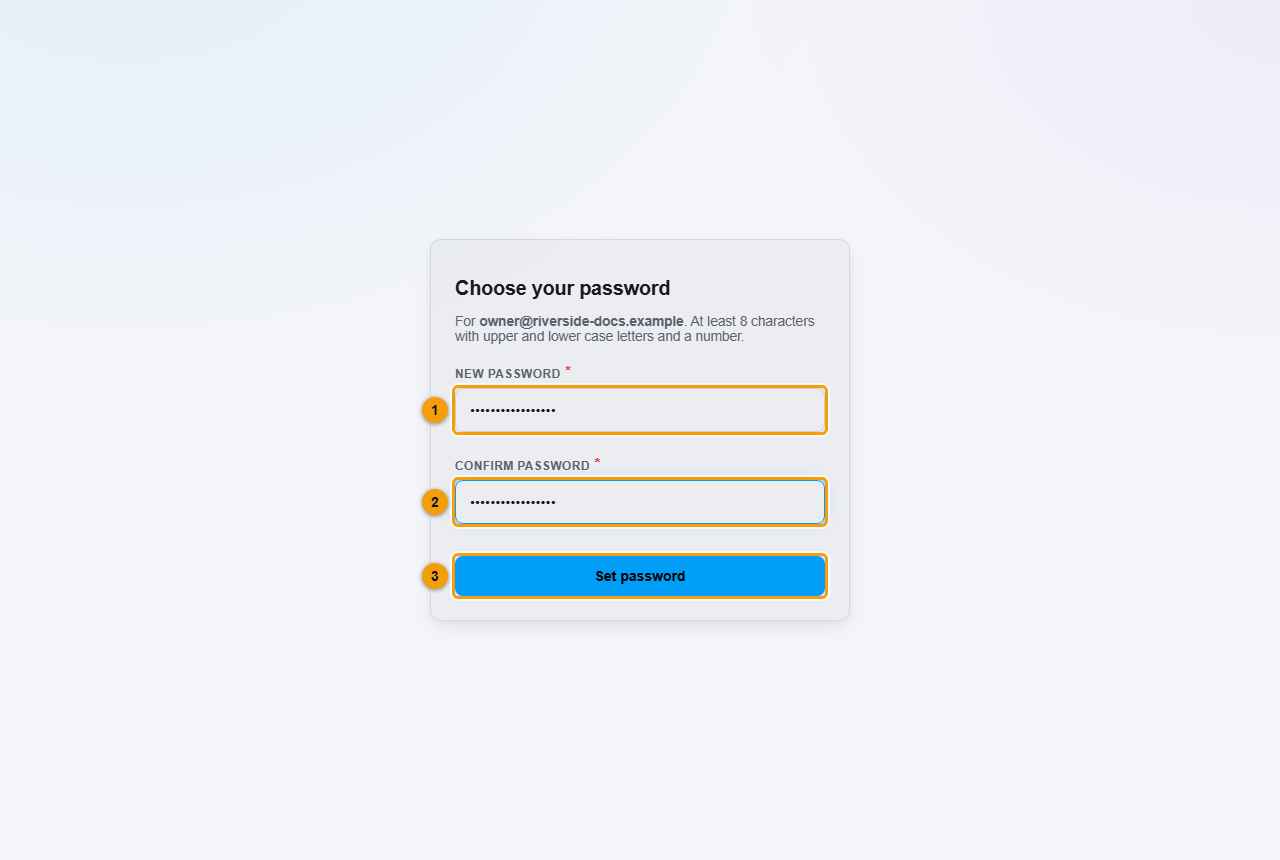
New password (1), confirm password (2) and Set password (3).
- You are taken to the sign-in page. Sign in with your email and the new password. If the page shows a short message about your session, ignore it and sign in.
What happens next
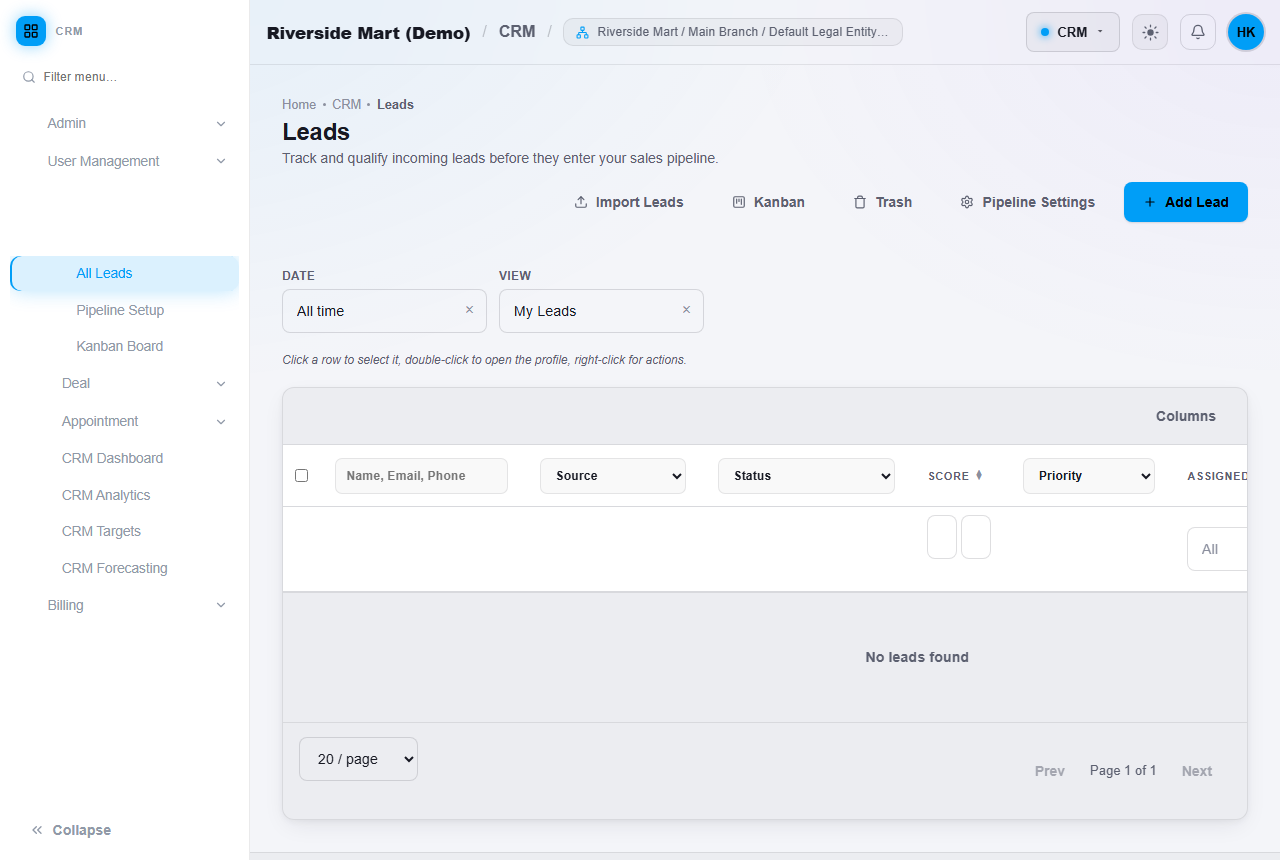
You land in your demo workspace. Its name ends with (Demo). You can use it without paying for a limited time. The length is set by NEXTOREx.
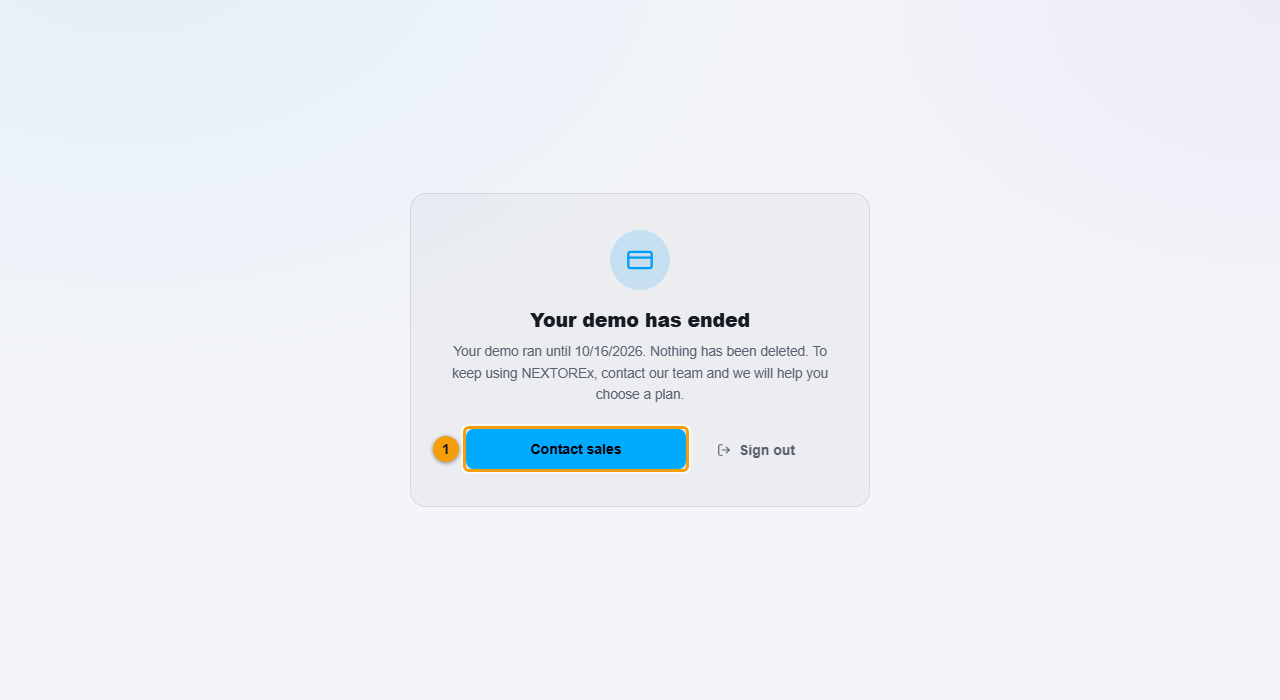
When the time ends, your access is paused and you see the Your demo has ended message. Nothing is deleted. Click Contact sales (1) and we will help you choose a plan.
Important notes
- The link in the email is for choosing your password. If it does not work, ask our team for a new one.
- You can have one demo per email address, and requests are limited per day.
- A Demo does not renew and cannot be paid for. To keep using NEXTOREx you need a plan.
- A Demo is not a Free Trial. NEXTOREx does not offer a public Free Trial.