Reseller & Multi-Tenant
Choose a plan for a client
Agency · 1 min read · Updated 16 October 2026
What this does
You decide which plan each of your client businesses uses. The plan sets what the client can use.
Steps
- Open User Management, then Tenants, and open the client business.
- Click the Plan tab. A new client without a plan shows No active plan.
- Click Assign Plan. The Assign or upgrade tenant plan window opens.
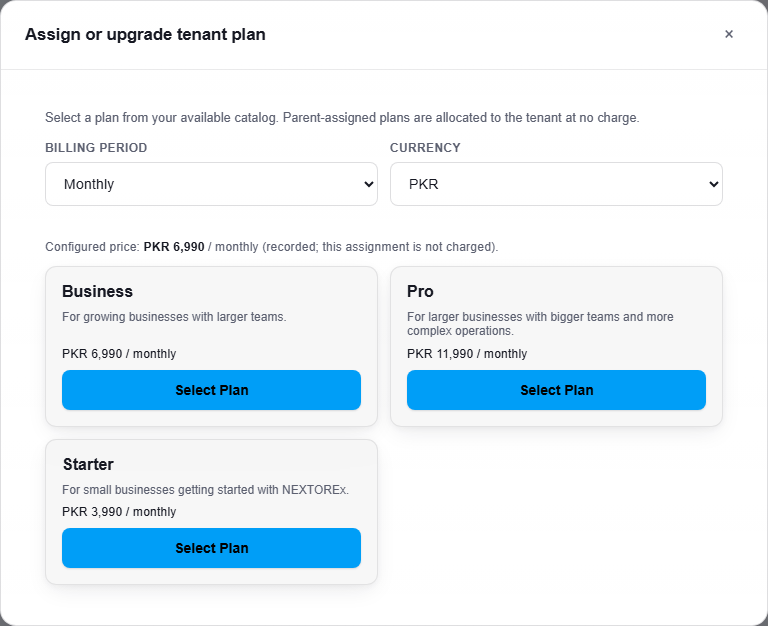
You can give a client Starter, Business or Pro.
- Choose the Billing period, Monthly or Yearly, and the Currency, PKR or USD.
- Click Select Plan on the plan you want.
What happens next
The Plan tab shows the client's plan. You can change it later with Upgrade / Change Plan.
Important notes
- As an Agency you can give clients Starter, Business or Pro. Other plans are not available to give.
- The window says the plan is recorded for the client and that the assignment itself is not charged.
- Each plan has its own limits, for example the number of users. See Your plan.